TL;DR
The best iPad check-in apps for field sales reps go beyond simple GPS pings. Paxelo leads for B2B teams that want revenue-optimized routing and territory visibility from a tablet. Badger Maps suits high-stop-count reps, RepMove is the budget pick for solo sellers, and SPOTIO works for large mixed B2B/B2C teams. The real question isn’t whether an app can log a check-in on iPad, it’s whether that check-in data actually helps you sell more.
At-a-Glance Comparison Table
| Tool | Starting Price | Free Plan/Trial | iPad Support | Check-In Type | Best For | CRM Integrations |
|---|---|---|---|---|---|---|
| Paxelo | $0 (free plan) | Yes, free tier | Tablet-compatible | Day execution with notes, outcomes, follow-ups | B2B teams wanting revenue-optimized routing | Salesforce, HubSpot (coming soon) |
| Badger Maps | $58/user/mo (annual) | 14-day free trial | iPad, iPhone, Android | CRM-synced visit logging | High-stop-count reps with large territories | Salesforce, HubSpot, Zoho, others |
| SPOTIO | $39/user/mo | No free tier (5-user min) | iPad, iPhone, Android | GPS-verified one-tap logging | Large B2B + B2C field teams | Salesforce, HubSpot, Pipedrive |
| Map My Customers | $55/user/mo | Free trial | iPad, iPhone, Android | Automatic check-in with reminders | Visual-first teams wanting easy mapping | HubSpot, Salesforce, Zoho, Zapier |
| RepMove | $20/user/mo | 7-day free trial | iPad, iPhone, Android | Notes-based visit logging | Solo reps and small teams on a budget | 5,000+ via integrations |
| Outfield | Contact for pricing | 30-day free trial | iOS, Android | Geo-tagged, timestamped check-in | Brand ambassador and CPG teams | Salesforce, HubSpot, Dynamics, Zoho |
| Routzy | Subscription (contact) | 14-day free trial | iPad only | GPS-tracked visit logging | Solo reps wanting an iPad-only CRM | Limited |
| Repsly | Contact for pricing | Demo available | iOS, Android | Visit scheduling + photo audit | Retail execution and merchandising | Various retail/POS systems |
What Makes a Good Check-In App for iPad?
Not all check-ins are created equal. The term gets thrown around as if it means one thing, but there are actually three distinct types of check-in functionality across field sales apps:
GPS-verified visit logging stamps your location coordinates when you arrive at an account. It proves you were there. This is the baseline, and most apps on this list offer it.
One-tap activity capture goes slightly further, letting reps log a visit outcome, attach a note, or record a call with minimal friction. The focus is speed.
Revenue-signal capture is the category that separates good tools from great ones. Instead of just recording that a visit happened, these tools connect check-in data to account priority, purchase history, coverage gaps, and follow-up cadence. The data feeds sales decisions, not just compliance dashboards.
Here’s the uncomfortable truth that practitioners on Reddit’s r/CRM community echo regularly: most tools reward activity (check-ins, logged calls) rather than buying signal. Reps rack up GPS pings, managers see a dashboard full of green dots, and nobody can tell whether any of it moved revenue. The best check-in app for iPad is the one that captures data reps actually care about, not just breadcrumbs for the boss.
Why iPad Specifically?
Every competing article mentions “works on iOS” and moves on. None of them discuss why an iPad is genuinely better for field sales than a phone. That’s a missed opportunity, because the differences are real.
The iPad’s larger screen makes map-based route planning far more usable. You can see an entire territory at a glance instead of squinting at a 6-inch display. iPadOS supports split-screen multitasking, so reps can run navigation on one side and log visit notes on the other without switching apps. During customer meetings, the tablet doubles as a presentation device for product catalogs or order sheets. And for managers reviewing territory coverage heatmaps, the screen real estate makes pattern recognition instant.
Poor territory management costs companies up to 28% in lost sales opportunities, according to research from FieldServicely. The iPad’s screen advantage isn’t a luxury. It directly affects how well reps can plan, execute, and capture information during their day.
Explore Paxelo’s features to see how day execution tools work on tablet and smartphone.
The 8 Best iPad Check-In Apps for Field Sales
1. Paxelo
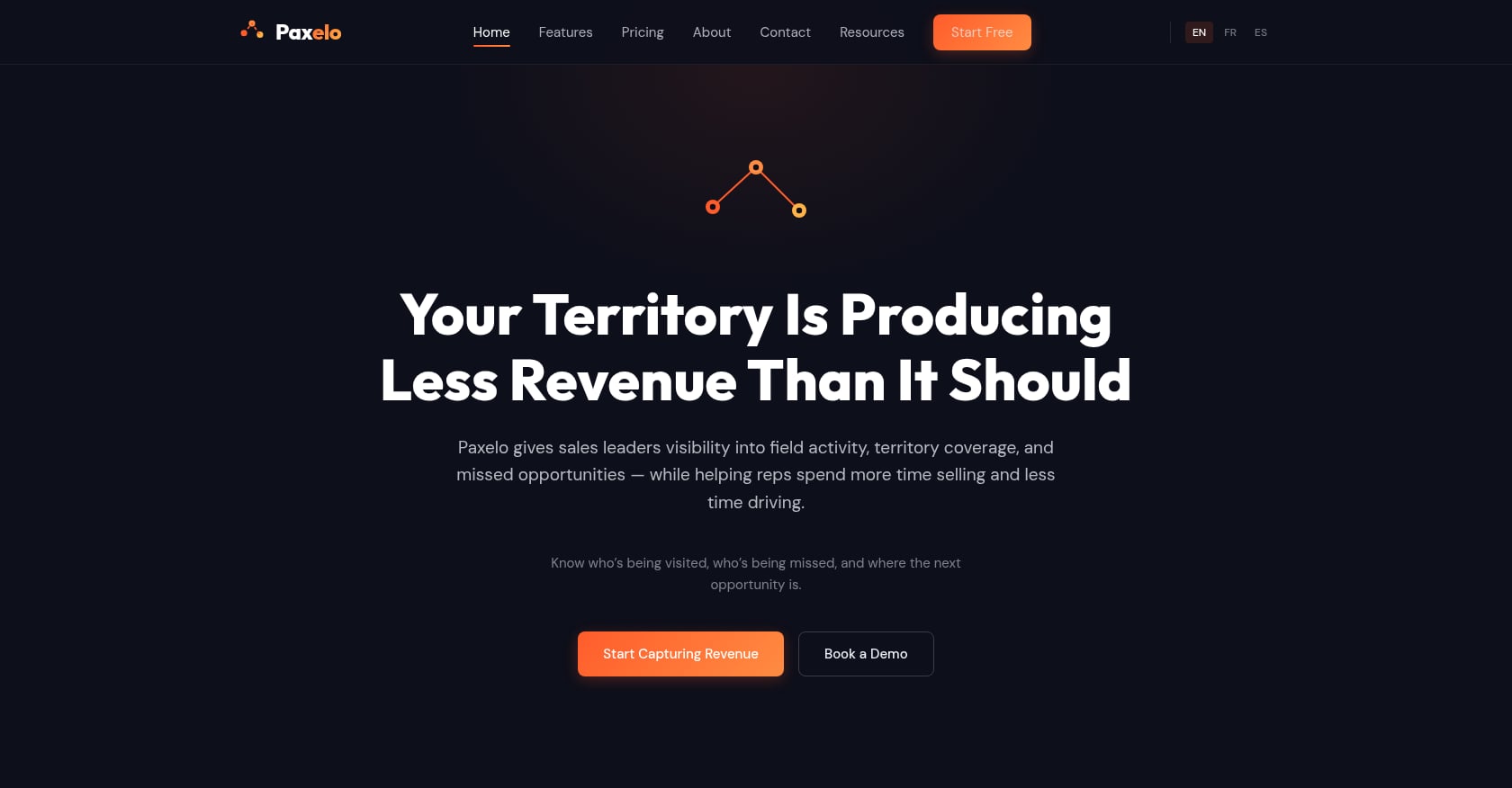
Best for: B2B outside sales teams that want revenue-optimized routing and territory visibility, not just activity logging.
Pricing:
- Free: $0 for 1 user (up to 50 customers)
- Starter (1–5 users): $89/user/month, or $69/user/month billed annually
- Growth (6–20 users): $79/user/month, or $59/user/month billed annually
- Scale (21–50 users): $69/user/month, or $49/user/month billed annually
- Enterprise (51+): $59/user/month, or $39/user/month billed annually
- Prospect Intelligence add-on: $29/user/month
Key features:
- Revenue-optimized route planning that factors account priority, visit frequency, geography, and revenue potential
- Automatic monthly schedule generation for consistent coverage cadence
- Territory heatmaps and coverage gap detection for managers
- Day execution tools: daily run sheet, notes, outcomes, follow-ups, mileage logging
- Nearby unscheduled customer alerts and prospect discovery along your route
- Multi-language support (English, French, Spanish)
- Designed for ease of use from smartphone or tablet
iPad experience: Paxelo is built mobile-first and works on tablet, making the daily run sheet, territory maps, and execution tools accessible on the iPad’s larger screen. The interface is designed to minimize context switching between planning and doing.
What makes it different: Where most check-in apps for iPad focus on proving reps were somewhere, Paxelo focuses on whether they were at the right place at the right time. Manager dashboards show territory revenue and coverage gaps, not just GPS dots. The routing algorithm weighs revenue potential and account priority, which means your A-accounts get the visit cadence they deserve instead of being crowded out by easier stops.
Honest tradeoffs:
- CRM integrations with Salesforce and HubSpot are coming soon but not yet generally available
- Fewer published third-party reviews compared to established competitors
- Focused on B2B outside sales, not retail execution or fleet logistics
2. Badger Maps
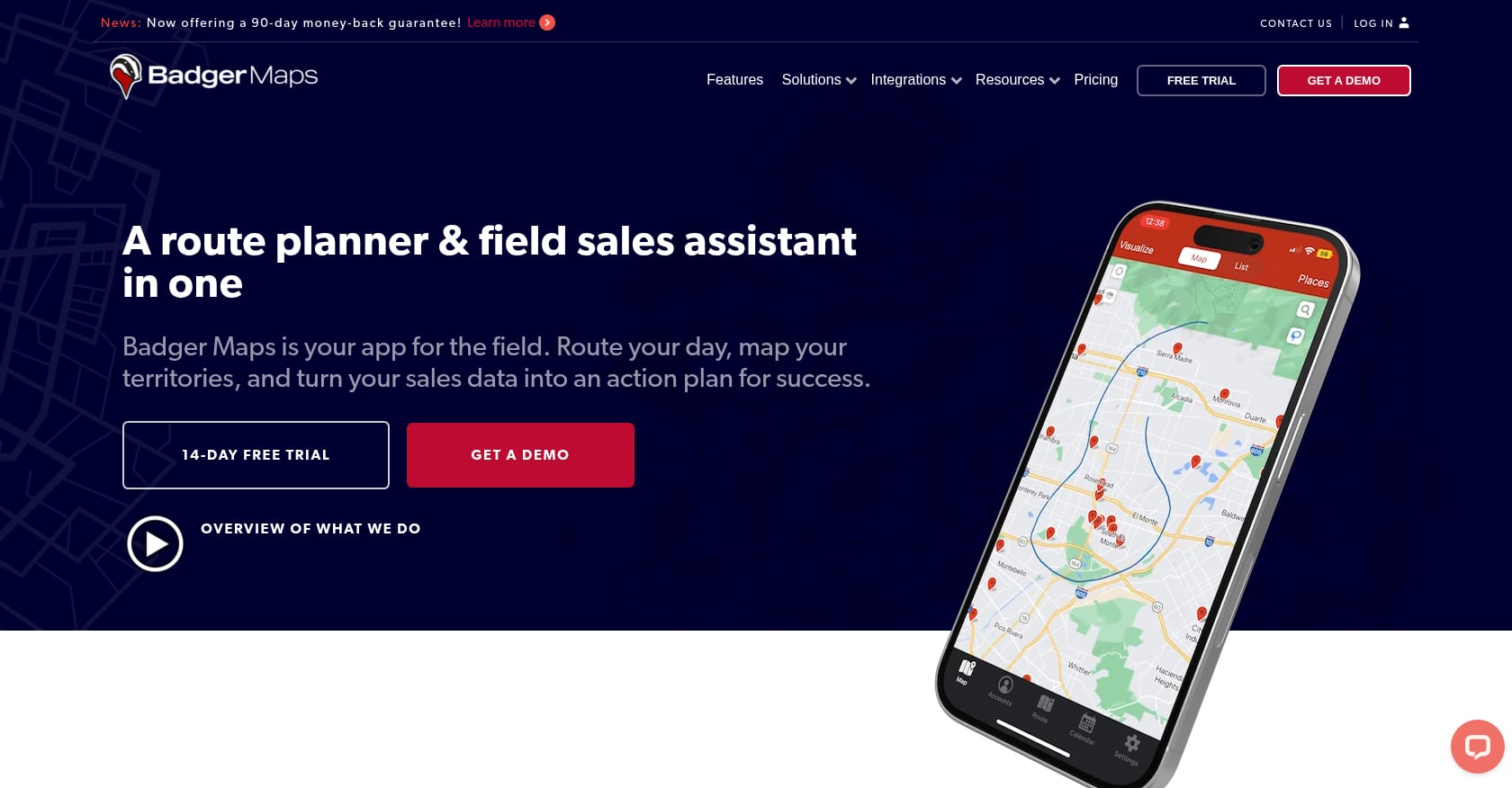
Best for: B2B reps covering large geographic territories with high daily stop counts.
Pricing:
- Business: $58/user/month (annual billing)
- Enterprise: $95/user/month (annual billing)
- Add-ons: Badger Align at $20/territory/month (minimum 5 territories), Insights at $50/user/month
- 14-day free trial available
Key features:
- Customer data visualization on an interactive map
- Check-in functionality that logs visit details and updates CRM records
- Route optimization accounting for appointment times and traffic conditions
- Lead generation tools for finding new prospects on the go
- Deep CRM integrations with Salesforce, HubSpot, Zoho, and others
iPad experience: Badger Maps explicitly supports iPad alongside iPhone and Android. The mapping interface benefits significantly from a larger tablet screen when visualizing dense territories. Users report that route planning is more efficient on iPad because you can see more accounts simultaneously.
Real user perspective: Users praise Badger for streamlining route planning and sales optimization. The company claims salespeople using their tool spend 20% less time driving and sell 22% more. Some users feel the pricing is steep for small teams, especially once add-ons are factored in.
Honest tradeoffs:
- Doesn’t include territory assignment, prospecting tools, or activity logging natively, so you may need separate tools
- Pricing gets complicated quickly with add-ons (Align + Insights can nearly double the per-user cost)
- More of a mapping and routing tool than a full field sales platform
For a detailed comparison, see how Paxelo compares to Badger Maps.
3. SPOTIO
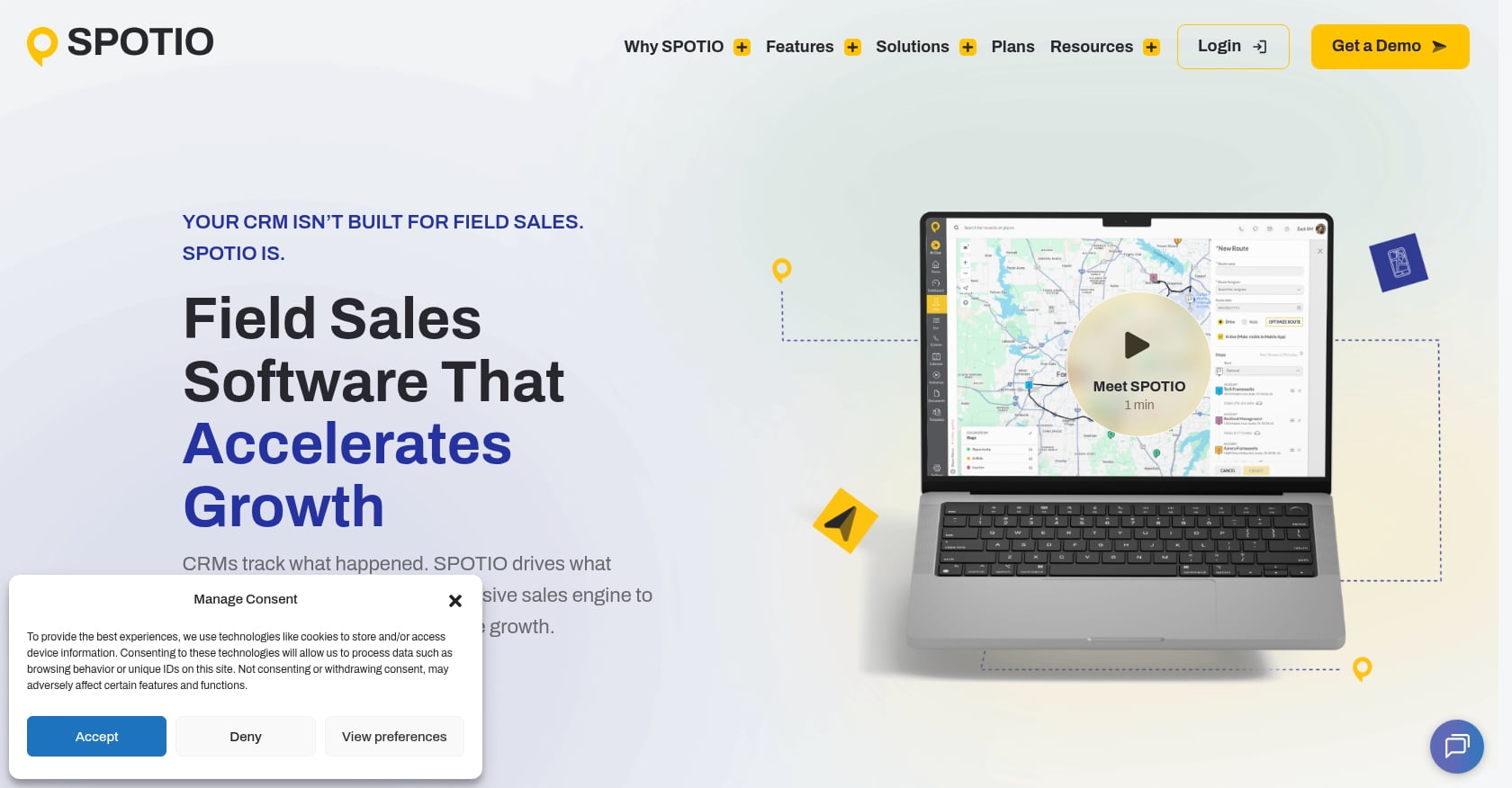
Best for: Large field sales teams (B2B and B2C) needing enterprise territory management with location-verified accountability.
Pricing:
- Team: $39/user/month
- Business: $69/user/month
- Pro: $129/user/month
- Enterprise: custom quote
- 5-user minimum required. No free tier.
Key features:
- One-tap activity logging with GPS-verified check-ins (coordinates attached to every activity)
- DASH AI co-pilot for sales insights
- Territory management and lead assignment
- CRM integration with Salesforce, HubSpot, Pipedrive
- Manager analytics and performance tracking
iPad experience: SPOTIO supports iPad, but user feedback suggests the experience isn’t always smooth. One Capterra reviewer noted: “the app isn’t as friendly for iOS, which I prefer the iPad on app.” This is worth testing during evaluation if your team is iPad-first.
Real user perspective: A case study claims Lobel Financial saw a 21% increase in customers activated within 8 months of using SPOTIO. On the flip side, one Capterra reviewer shared that “initial setup was not easy; it took us 2-4 months,” and another flagged bugs as painful when managing 26 users.
Honest tradeoffs:
- The 5-user minimum and no free tier make it expensive to test
- Setup can take months according to multiple user reports
- If reps need to capture orders, check live pricing, or work in areas with poor connectivity, they’ll hit walls
- Tends to align better with B2C door-to-door motions than complex B2B sales cycles
For more detail, read the Paxelo vs. SPOTIO comparison.
4. Map My Customers

Best for: Visual-first field sales teams wanting intuitive mapping with built-in check-in and follow-up reminders.
Pricing:
- Individual: starting at $55/month/user
- Team: starting at $79/user/month (some listings show $105/user/month for full team features)
- Free trial available
Key features:
- Build optimized routes with drag-and-drop scheduling
- Find nearby opportunities between meetings
- Log visits with voice-to-text notes
- Automatic check-in feature with overdue follow-up reminders via email and app notifications
- Automatic field activity capture
iPad experience: Map My Customers supports iPad, iPhone, and Android. The visual mapping interface is particularly strong on tablet, where reps can see a wider view of their accounts and tap to check in as they complete visits.
Real user perspective: On Capterra, one user praised the app by saying: “Easy to check in, search for like companies while in a certain area and maximize your sales time in front of customers.” Another wrote that the app “made it SO easy to do everything from start to finish.” Some call the cost a little high for what you get.
Honest tradeoffs:
- Users report occasional glitches and limitations in reporting features
- CRM integration is limited to HubSpot, Salesforce, Zoho, and Zapier
- Less suited for teams that need deep territory analytics or revenue-weighted routing
5. RepMove
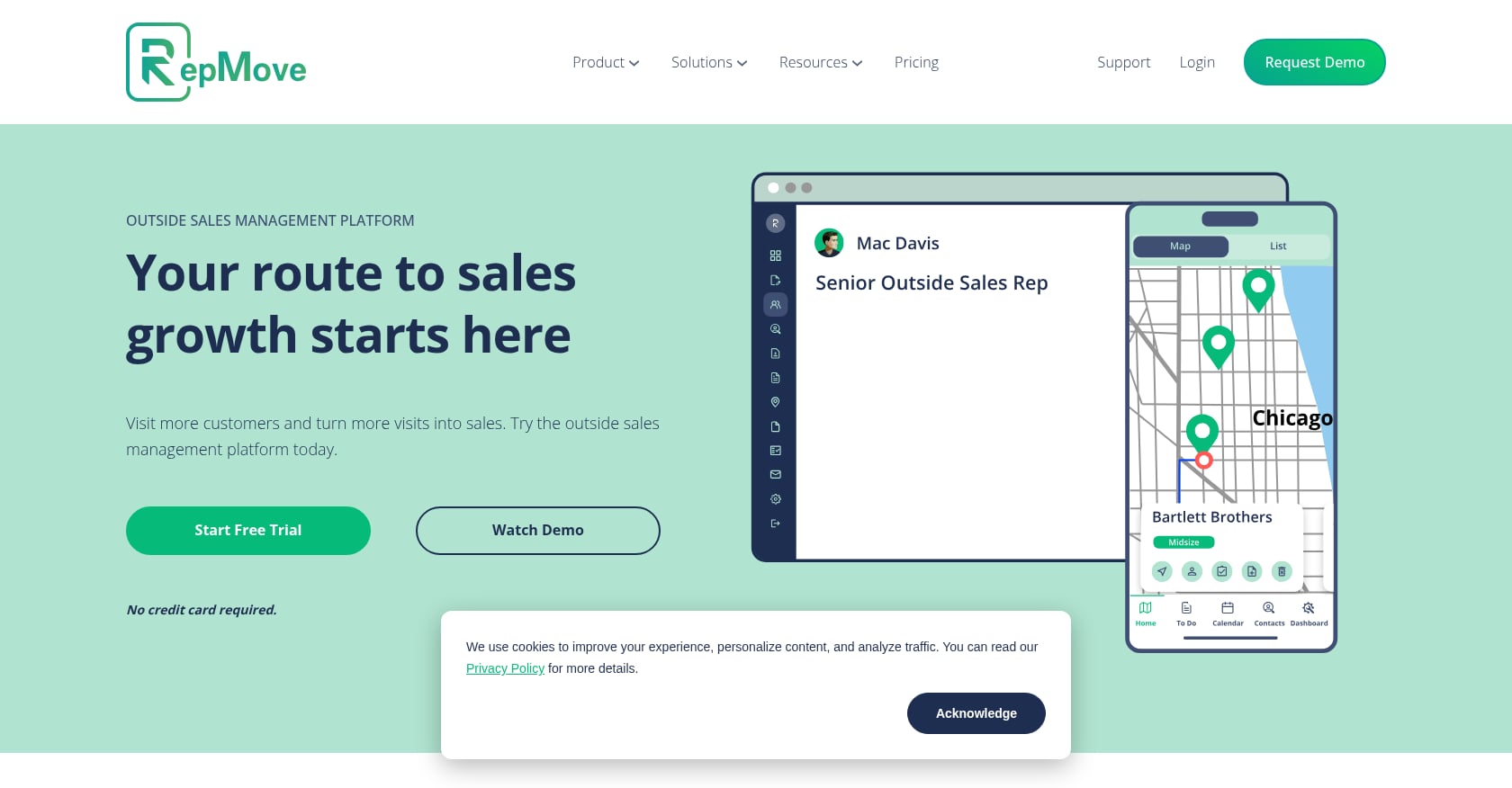
Best for: Solo reps and small B2B teams wanting a full mobile CRM with check-in at the lowest price point.
Pricing:
- Flex plan: $20/user/month (route optimization, territory management, 5,000+ integrations)
- CRM plan with AI Sales Assistant: $50/user/month
- 7-day free trial
Key features:
- Voice-to-text or typed notes tracked by customer
- AI that rewrites visit notes into follow-up emails
- Route optimization and territory management
- Deals pipeline tracking
- Check-in and visit logging with account-level history
iPad experience: RepMove supports iPad, iPhone, and Android. As a mobile-first CRM, the iPad experience is central to the product rather than an afterthought.
Real user perspective: RepMove holds remarkable review scores: 4.9/5 on G2, 5.0/5 on Capterra, and 9.6/10 on TrustRadius across 214+ G2 reviews. Users praise the direct access to the development team: “get a timely reply from the RepMove team and/or the owner himself.” That kind of responsiveness matters when you’re a small team without a dedicated IT department.
Honest tradeoffs:
- Lacks full CRM and order management features; users can view customers and log visits, but the platform doesn’t support quotes, pricing, or multi-rep visibility
- Better suited for individual reps than teams needing manager-level territory oversight
- At $20/month it’s affordable, but you may outgrow it as your team scales
6. Outfield
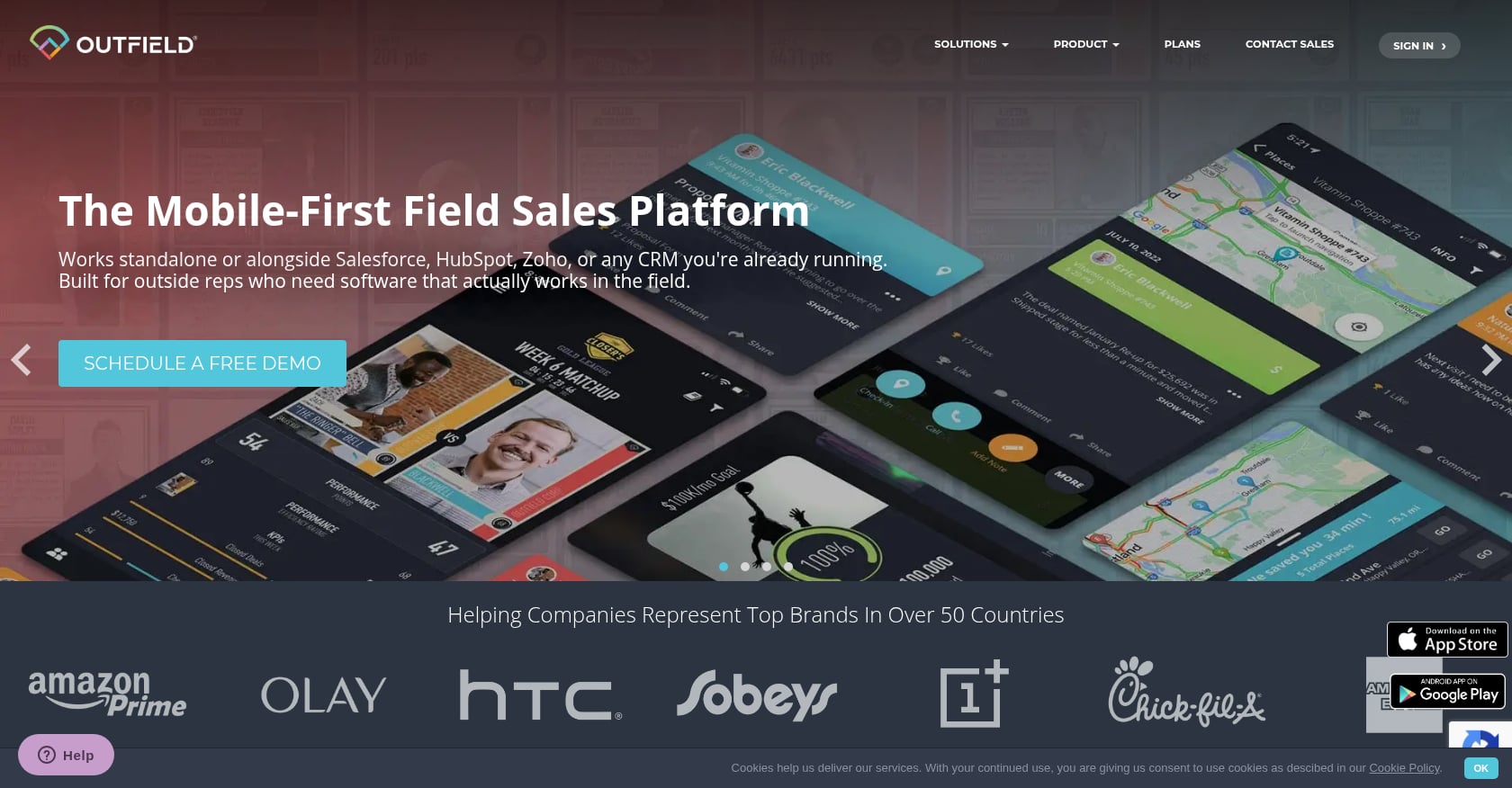
Best for: Brand ambassador and outside sales teams in CPG, beverage, and consumer electronics.
Pricing: Free 30-day trial. Subscription-based pricing requires a demo inquiry (not published publicly).
Key features:
- Reps check in, log visit notes and photos, update deals, and message their manager in under two minutes
- Every check-in is geo-tagged and timestamped; visits can’t be backdated or faked from the office
- Gamification features to boost team engagement
- Integrates with Salesforce, HubSpot, Microsoft Dynamics, Zoho, NetSuite
iPad experience: Outfield works on iOS and Android. The quick check-in workflow (under two minutes per visit) translates well to iPad use in the field. Photo capture during visits is easier on a tablet’s larger viewfinder.
Real user perspective: Outfield specifically addresses a common concern among field reps: “There’s no passive background location tracking. This gives managers the accountability they need without the invasive feel of constant GPS surveillance.” Practitioners on Reddit consistently complain about check-in apps that feel like surveillance tools, so this distinction matters for adoption.
Honest tradeoffs:
- Time tracking accuracy depends entirely on whether the rep remembers to check in and out, which, as the Timeero blog notes, is “prone to human error” and “can divert attention from primary tasks”
- No public pricing page means you can’t budget without a sales conversation
- More oriented toward CPG and retail than B2B distribution
7. Routzy
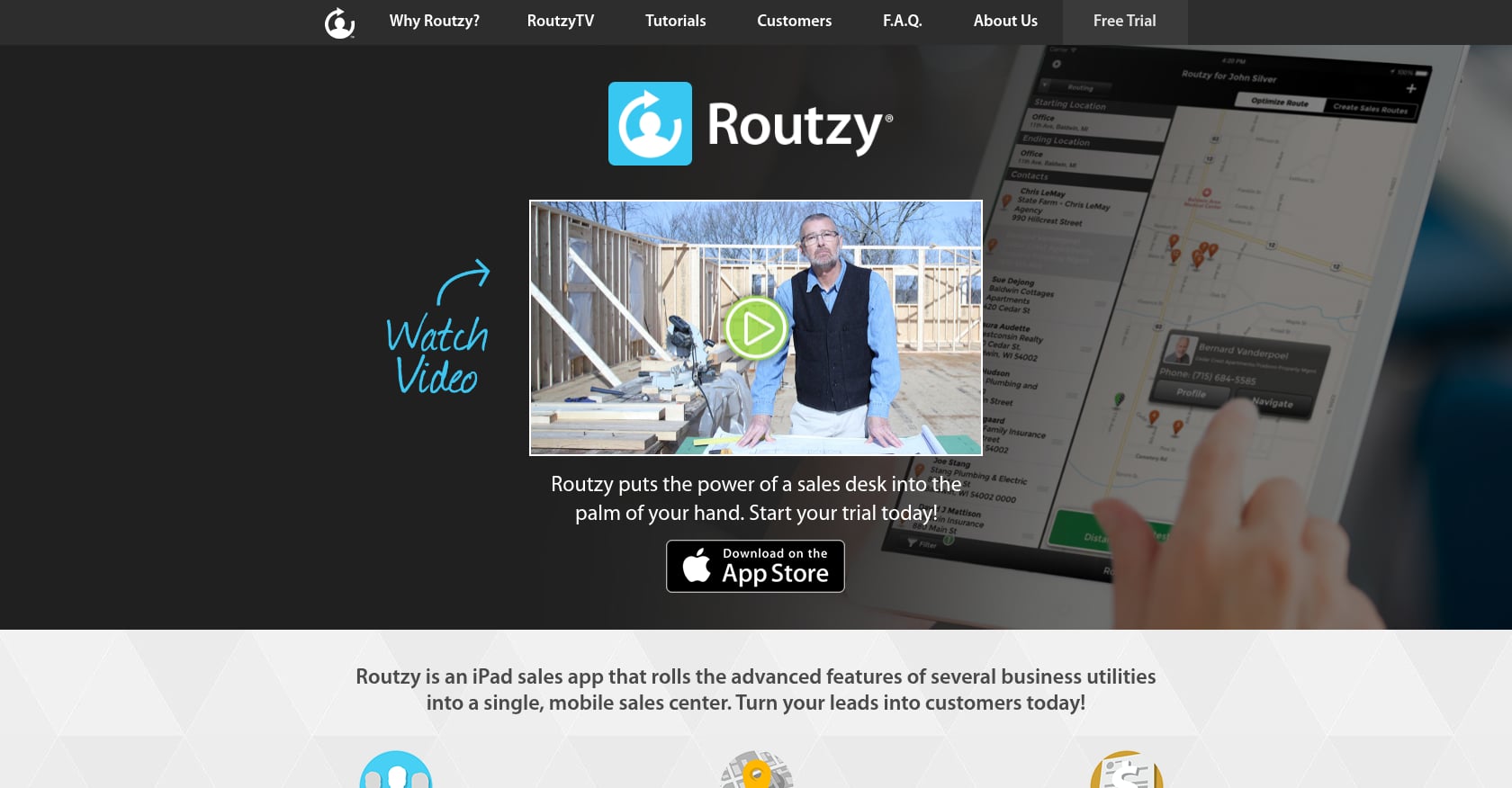
Best for: Solo reps who want a dedicated iPad-only CRM with GPS tracking built specifically for the tablet form factor.
Pricing: 14-day free trial. Subscription pricing available on vendor site.
Key features:
- Transforms iPad into a “fully-stocked sales desk and CRM”
- GPS tracking with configurable time intervals
- Built exclusively for iPad (not a phone app stretched to fit)
- Presentation and document tools designed for tablet sales meetings
iPad experience: Routzy is the only tool on this list built exclusively for iPad. That means the interface is designed from the ground up for the tablet’s screen size, touch targets, and workflows. No compromises from phone-first design.
Honest tradeoffs:
- The website’s copyright reads 2021, which raises questions about active development and updates
- iPad-only means no Android support, and reps can’t switch between phone and tablet seamlessly
- The ecosystem is far more limited than modern multi-platform tools
- Fewer integrations and a smaller user community
8. Repsly
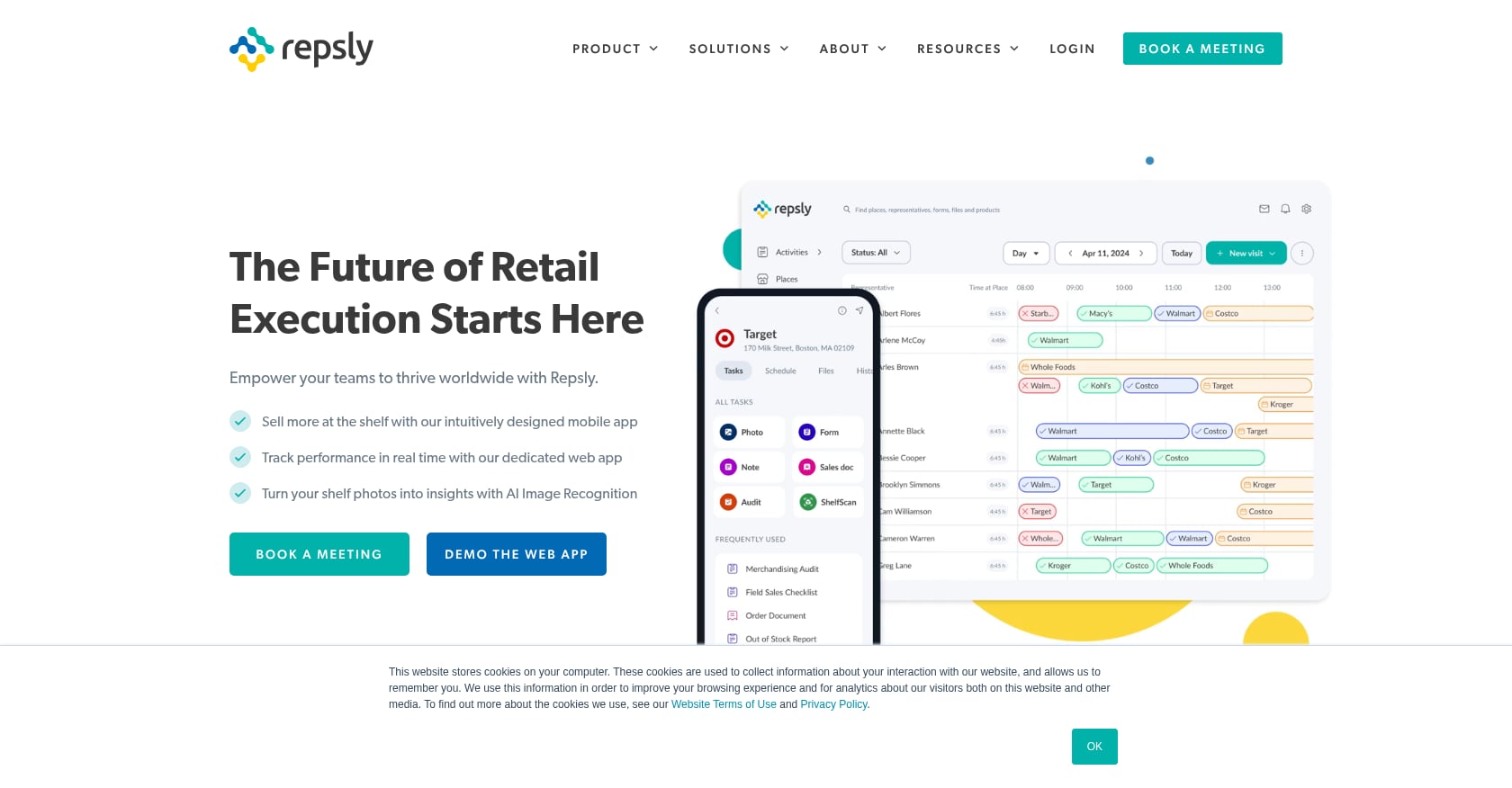
Best for: Retail execution teams focused on merchandising checks, shelf compliance, and POS analytics.
Pricing: Contact for pricing. Demo available.
Key features:
- Visit scheduling with check-in tracking
- Photo audit tools for shelf compliance
- Retail analytics tied to point-of-sale data
- Field team activity monitoring and reporting
iPad experience: Repsly works on iOS and Android. The photo audit and compliance features benefit from iPad’s camera and screen size, making it easier to document shelf conditions and compare against planograms.
Real user perspective: Repsly is well-regarded in the retail execution space, where the “check-in” function serves a different purpose: proving that a merchandiser visited a store and completed specific tasks, not logging a sales call.
Honest tradeoffs:
- Purpose-built for retail and CPG execution, not B2B outside sales
- If you’re a field sales team selling to businesses, Repsly’s workflows won’t fit your motion
- Pricing opacity makes comparison difficult
How to Choose the Right iPad Check-In App for Your Team
Picking the right tool comes down to four factors.
Team size. Solo reps and teams under five should look at RepMove ($20/month) or Paxelo’s free plan first. Mid-size teams of 6 to 20 reps benefit from Paxelo’s Growth tier or Map My Customers. Large teams (20+) with complex territory needs should evaluate SPOTIO or Paxelo’s Scale and Enterprise tiers.
Sales motion. B2B territory sales with recurring accounts needs revenue-weighted routing and coverage analytics. Door-to-door canvassing needs different tools (like SalesRabbit, which isn’t on this list because it lacks meaningful iPad check-in functionality). Retail execution teams should go straight to Repsly. CPG brand teams doing store visits fit Outfield best.
Existing CRM. If your team lives in Salesforce or HubSpot, check which apps offer native two-way sync today versus “coming soon.” Badger Maps and SPOTIO have mature CRM integrations. Paxelo’s Salesforce and HubSpot integrations are on the roadmap but not yet generally available, so teams that need immediate sync should factor that into timing.
What you actually want to measure. This is the most important question, and the one most teams skip. If you want to count check-ins and show a dashboard of GPS dots, almost any tool will do. If you want to understand whether your territory is properly covered, which accounts are being under-visited relative to their revenue potential, and where the gaps are, you need team dashboards that show adherence and territory health.
Sales managers already spend an average of 4 hours daily on administrative tasks, according to FieldServicely. The wrong check-in tool adds to that burden. The right one reduces it.
Tools built to feed manager dashboards get abandoned by reps. Adoption comes from relevance to the rep, not reporting for the boss. When evaluating any iPad check-in app, ask yourself: would a rep voluntarily use this on a Saturday? If the answer is no, your check-in data will be inconsistent within a month.
Book a free Paxelo demo to see how the day execution tools work for your specific sales motion.
Frequently Asked Questions
Can I use these check-in apps on both iPad and iPhone?
Yes. Every tool on this list except Routzy supports both iPad and iPhone (and most support Android too). Routzy is iPad-only. The main difference is screen real estate: iPad gives you more room for map views, split-screen workflows, and customer presentations. Most reps use their phone for quick check-ins between stops and switch to iPad for planning or in-meeting use.
Do iPad check-in apps work offline?
It varies significantly. Some apps (like Map My Customers) cache data locally and sync when connectivity returns. Others require an active connection for GPS verification to work. If your reps cover rural territories or work in buildings with poor cell service, offline capability should be a top-three evaluation criterion. Always test offline mode during a free trial before committing.
What’s the difference between GPS tracking and check-in logging?
GPS tracking continuously monitors a rep’s location in the background, sometimes every few seconds or minutes. Check-in logging only records location when a rep actively taps a button at an account. The privacy implications are very different. Outfield explicitly distinguishes itself by offering geo-tagged check-ins without passive background tracking. Many reps resist tools that feel like constant surveillance, which kills adoption.
How many stops can these apps optimize per day?
Most route optimization tools on this list handle 15 to 30 stops per day comfortably. Badger Maps is designed for high-stop-count reps and can handle larger routes. Paxelo’s route planning factors in account priority and frequency rather than just maximizing stop count, which means fewer but more strategically chosen visits.
Is a free check-in app for iPad good enough?
For a single rep managing under 50 accounts, Paxelo’s free plan or RepMove’s 7-day trial can work well. The limitations hit when you need multi-rep visibility, territory analytics, or CRM integration. Free plans are great for testing whether a tool fits your workflow before scaling up.
Why do some apps hide their pricing?
Outfield and Repsly both require sales conversations to get pricing. This usually means the tool is positioned for enterprise buyers where deal size varies by feature bundle and user count. If pricing transparency matters to you (and it should), focus on tools that publish their rates openly. Paxelo, Badger Maps, SPOTIO, Map My Customers, and RepMove all show pricing on their websites.
What’s the best check-in app for iPad if I manage a team of 20?
For a 20-person B2B outside sales team, you need territory visibility, adherence tracking, and pricing that scales. Paxelo’s Growth tier at $59/user/month (annual) includes territory heatmaps, coverage gap detection, and manager dashboards. SPOTIO at $39 to $129/user/month covers similar ground with more mature integrations but a steeper learning curve. For more guidance, read whether Paxelo fits a 20-person team.
Do check-in counts actually correlate with sales performance?
Not necessarily. This is the biggest blind spot in field sales management. High check-in volume can mask poor territory coverage if reps visit easy, low-value accounts while skipping strategic ones. The more useful metric is coverage adherence: are the right accounts being visited at the right frequency? Tools that connect check-in data to revenue outcomes (rather than just counting taps) give managers something they can actually coach from.